








● Sitto POS · Self-Service Terminal

Self-Service Ordering Terminal and Payment Kiosks

Let customers browse your menu, customise their order, and pay by card or mobile wallet without waiting in line. The Sitto Self-Service Terminal connects to your Sitto POS, so every order goes straight to your team and every sale is recorded in one place.

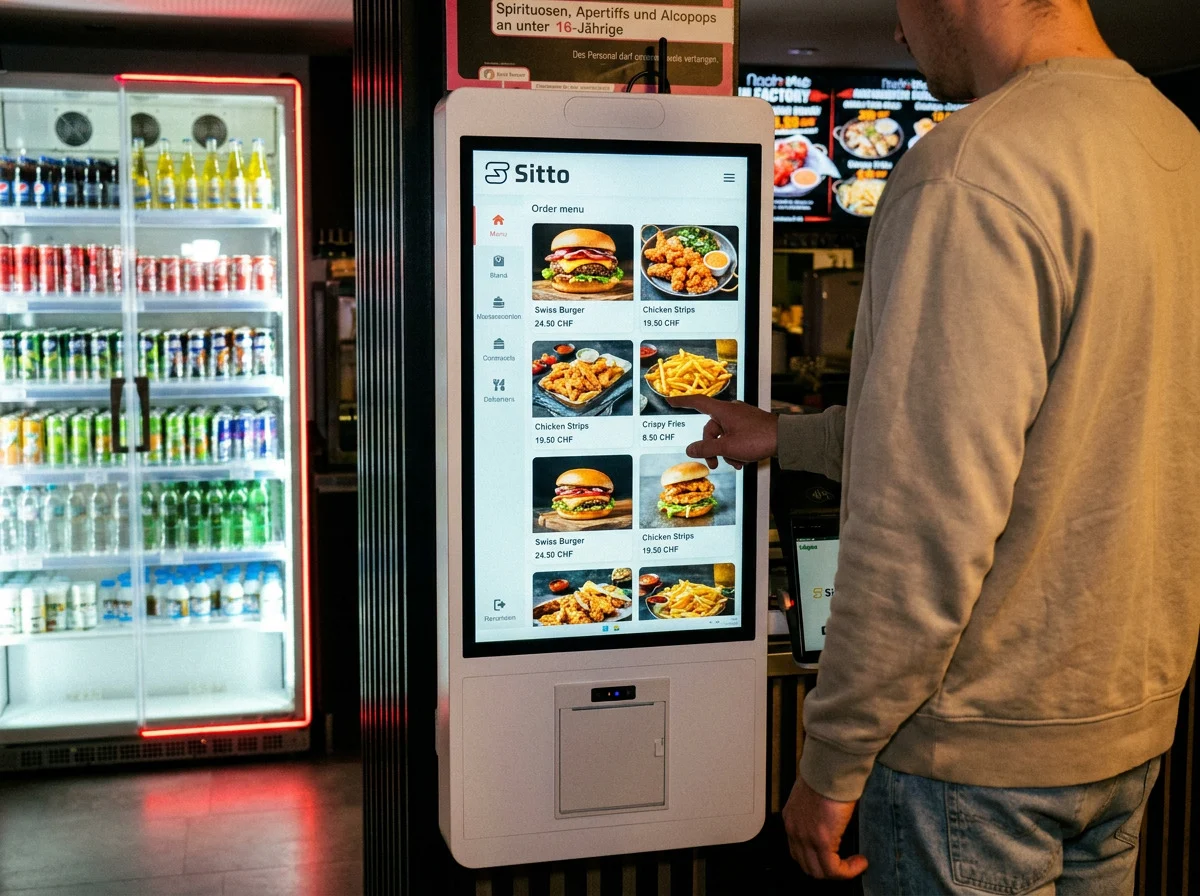
Customer ordering on a Sitto Self-Service Terminal showing the burger and fries menu in a quick-service restaurant
Accept every major payment method – trusted by Swiss businesses across every industry
  • Visa
  • Mastercard
  • Maestro
  • V Pay
  • TWINT
  • Apple Pay
  • Google Pay
  • Boncard
  • Lunch-Check
  • Visa
  • Mastercard
  • Maestro
  • V Pay
  • TWINT
  • Apple Pay
  • Google Pay
  • Boncard
  • Lunch-Check
  • Visa
  • Mastercard
  • Maestro
  • V Pay
  • TWINT
  • Apple Pay
  • Google Pay
  • Boncard
  • Lunch-Check
About Self-Service Kiosks

What Is a Self-Service Kiosk ?

A self-service kiosk is a touchscreen terminal where customers browse your menu, place their order, and pay without waiting at the counter. Connected to your Sitto POS, it sends each order to your team and records every sale in one place.

Faster Ordering Process

Customers browse the menu and place their order on their own, helping queues move faster during busy periods.

Higher Sales Through Upselling

Suggest extras, sides, and larger sizes on screen so customers can add items to their order before paying.

Few Ordering Errors

Customers select items and options themselves, so orders reach your team with the details they chose.

Better Customer Experience

Let customers order at their own pace, view the full menu, and pay by card or mobile wallet.

More Efficient Operations

Kiosk orders are recorded in your Sitto POS with your other sales, keeping orders and reporting in one place.

Why Choose Sitto?

Why Choose the Sitto Self-Service Terminal?

A self-service kiosk built to work with your Sitto POS, with integrated payments, an easy-to-use interface, and support from our team.

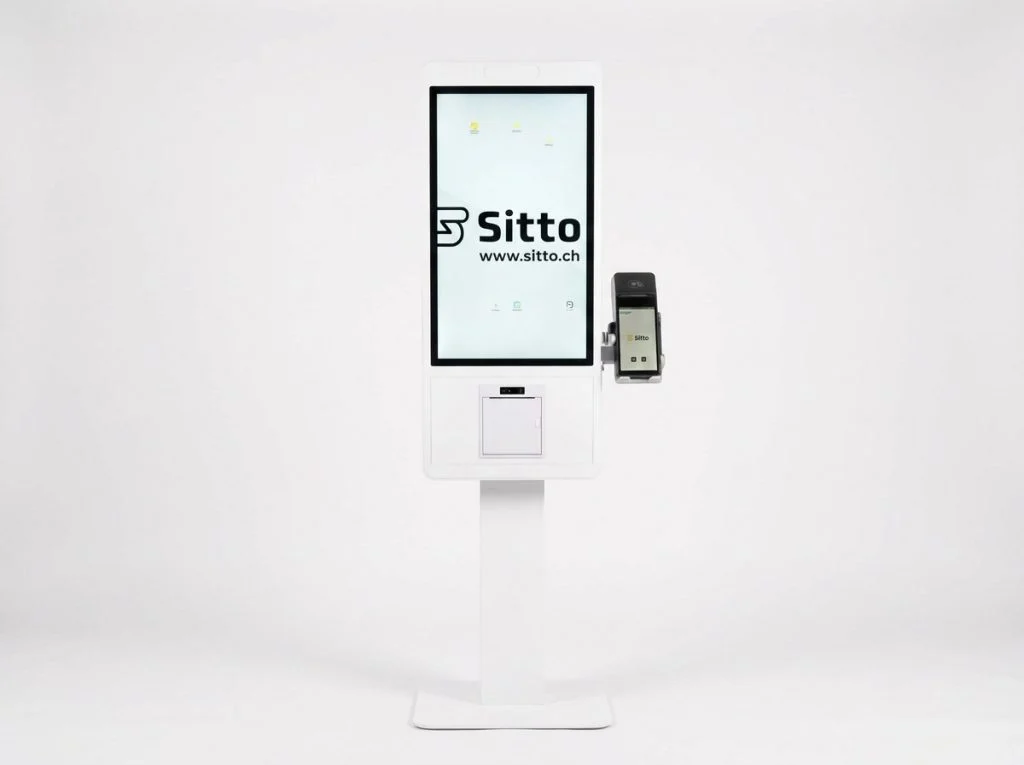
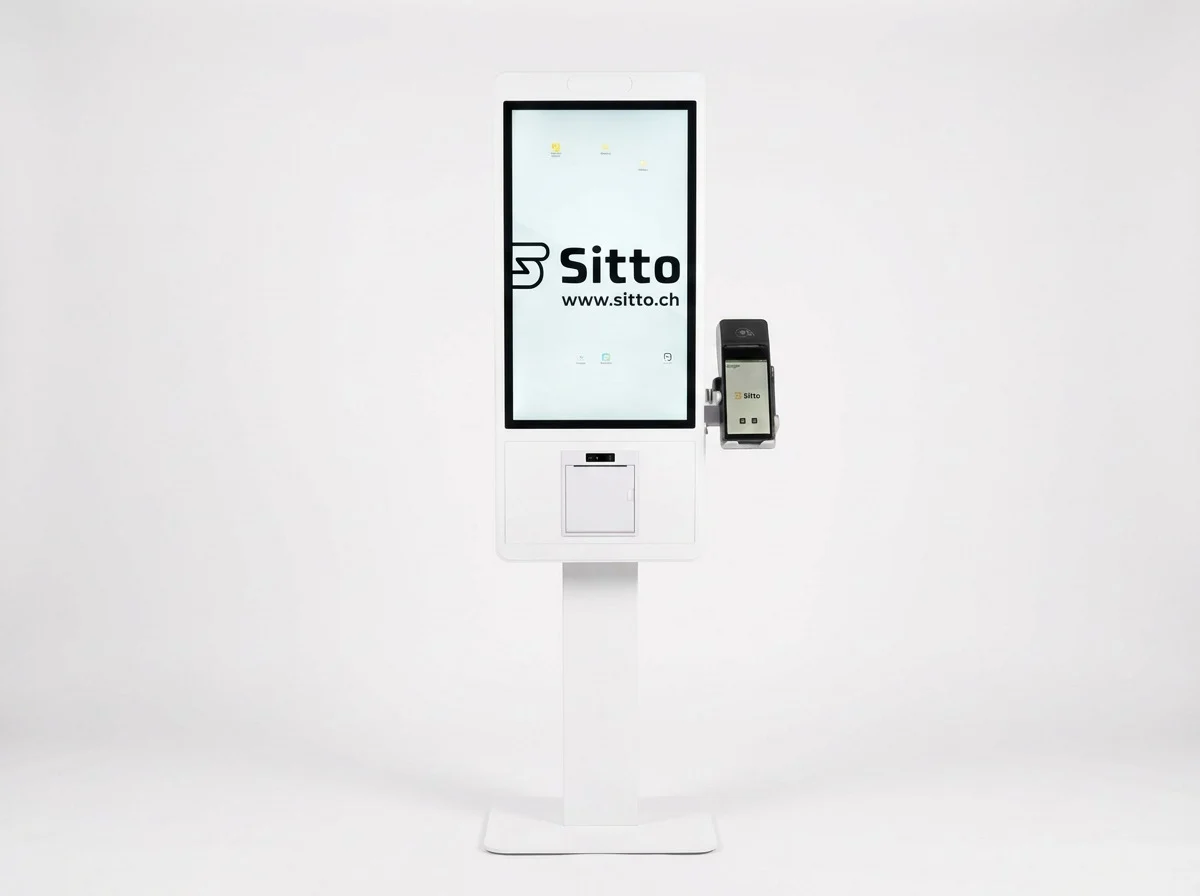
Sitto Self-Service Terminal with touchscreen, receipt printer, and attached card terminal
  • Self-Service Payments

    Let customers complete their order with card and mobile payments, including local payment methods and contactless NFC.
  • Easy to Use & Interactive

    A clear touchscreen interface guides customers from menu to checkout, so they can order without help from staff.
  • Order Customisation

    Let customers choose sizes, product variants, and extras before checkout, so every order matches what they want.
  • Menu & Brand Management

    Update menu items, prices, images, and branding on the kiosk to match your business.
  • Automatic Order System

    Send confirmed orders straight to your connected Sitto POS cash register, so the cashier and kitchen team see them right away.
  • Comprehensive Support

    Get professional installation for an efficient and secure setup. Our technical specialists are available to help with setup and maintenance.
  • Adapts to Your Industry

    Tailor the self-service terminal to your business and create digital ordering experiences for restaurants, retail, and more.
Industries We Serve

Self-Service Solutions
for Your Business

Sitto self-service terminals help businesses simplify customer interactions through independent ordering and payments. Explore how self-service technology supports restaurants and retail stores, with solutions tailored to different business needs.

01

Restaurants & Food Service

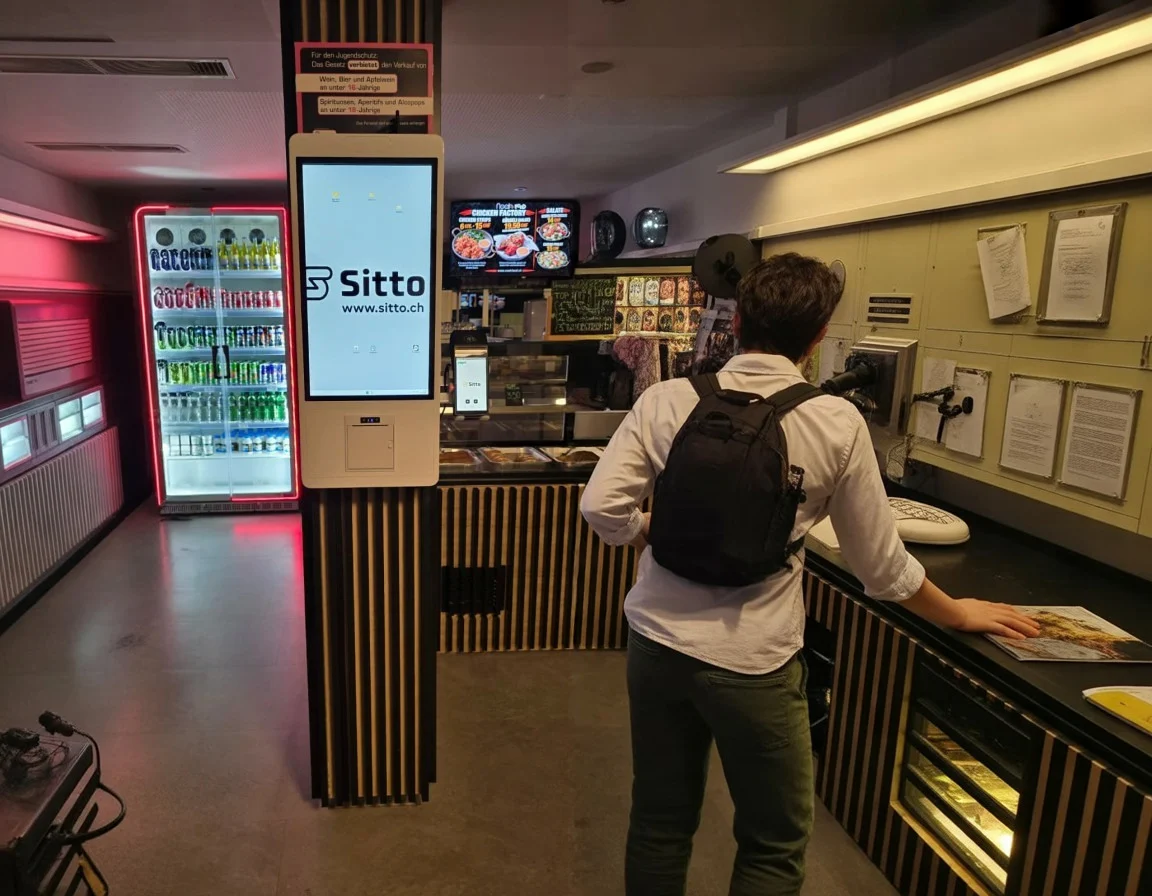
Let customers browse menus, order food and drinks, and pay directly at the terminal. Support self-service ordering for quick-service restaurants, cafés, takeaways, and other food-service businesses.
Customer ordering food at a Sitto self-service terminal in a quick-service restaurant
02

Retail & Stores

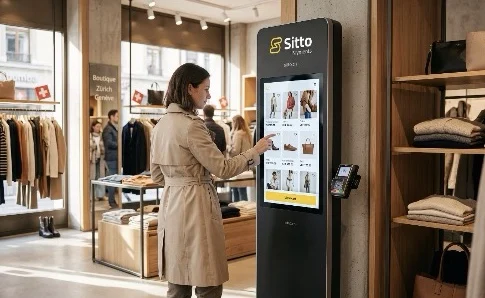
Allow shoppers to browse product catalogues, select items, and pay independently at a self-service terminal. Add a digital purchasing option for convenience stores, cosmetics shops, and other retail businesses.
Shopper browsing products on a Sitto self-service terminal in a clothing store
Self-Service Terminal Solutions & Setup

Build Your Self-Service Terminal Setup

Combine Sitto self-service terminals with compatible card readers and a POS cash register, all connected to the Sitto POS system. Choose the equipment that fits how your business handles customer orders, payments, and checkout.

Getting Started with Sitto

Get Started with Sitto in Three Steps

Our team helps you choose, set up and start using Sitto.

Book a Free Demo

See the self-service terminal in action and tell us about your business, menu or product range, and how customers order today.

Choose Your Setup

Choose the kiosk, card terminal and accessories that fit your space, then complete account setup and verification.

Start Taking Orders

Add your menu or products, connect your kiosk to Sitto POS and let customers start ordering and paying on their own.

Request a Free Demo

See How a Self-Service Terminal Can Work for Your Business

Tell us about your business, how customers order today, and the space you have available. Our team will show you how a Sitto self-service terminal works with your POS, explain the setup and costs, and arrange a demo tailored to your business.

See our pricing details

After you submit the form, our team will contact you to discuss your business, recommend a suitable setup and arrange your demo.

By submitting this form, you agree that Sitto Payments may store and process the personal information you provide to respond to your inquiry and deliver the requested information. If you opt in above, Sitto Payments may also contact you with company news, product updates, and other relevant content. Please review our Privacy Policy for more information.

Frequently Asked Questions

Self-Service Terminal Questions, Answered

Find quick answers or contact our team.

1. What is a self-service terminal?

A self-service terminal is a touchscreen kiosk where customers browse your menu or products, place their order, and pay on their own. Orders are recorded in Sitto POS alongside your other sales.

2. Which businesses can use a Sitto self-service terminal?

Self-service terminals suit businesses with frequent counter orders, such as fast-food restaurants, cafés, bakeries, and quick-service retail. Sitto’s team can help you check whether a kiosk fits your space and service style.

3. How do customers pay at the kiosk?

Customers pay at the kiosk with a connected card terminal. Supported payment methods depend on your terminal and configuration and may include credit cards, debit cards, and mobile wallets.

4. Does the kiosk work with Sitto POS?

Yes. Orders placed at the kiosk are recorded in Sitto POS, so you can review kiosk sales together with counter and table sales in your reports.

5. Can I use the same menu at the kiosk and the counter?

Your kiosk uses the menu and products you manage in Sitto POS. Ask the Sitto team how item availability and menu changes are shown on your kiosk during your demo.

6. Can customers get a receipt at the kiosk?

Receipt options depend on your kiosk and payment setup. Compatible configurations may include a built-in receipt printer. Sitto’s team can confirm the options for your setup.

7. How much does a Sitto self-service terminal cost?

Pricing for a Sitto self-service terminal depends on your setup, including the kiosk, payment hardware, and software you need. Fill in the demo form on this page or call our team at +41 43 505 22 25 to get a personalised offer for your business.

8. How do I get started with a self-service terminal?

Start by requesting a free demo. Sitto’s team will discuss your business and space, help you choose a suitable kiosk setup, and guide you through installation and configuration.
Cart (0 items)

Create your account