








● Sitto · Tap On Mobile

Accept Card Payments Directly on Your Smartphone

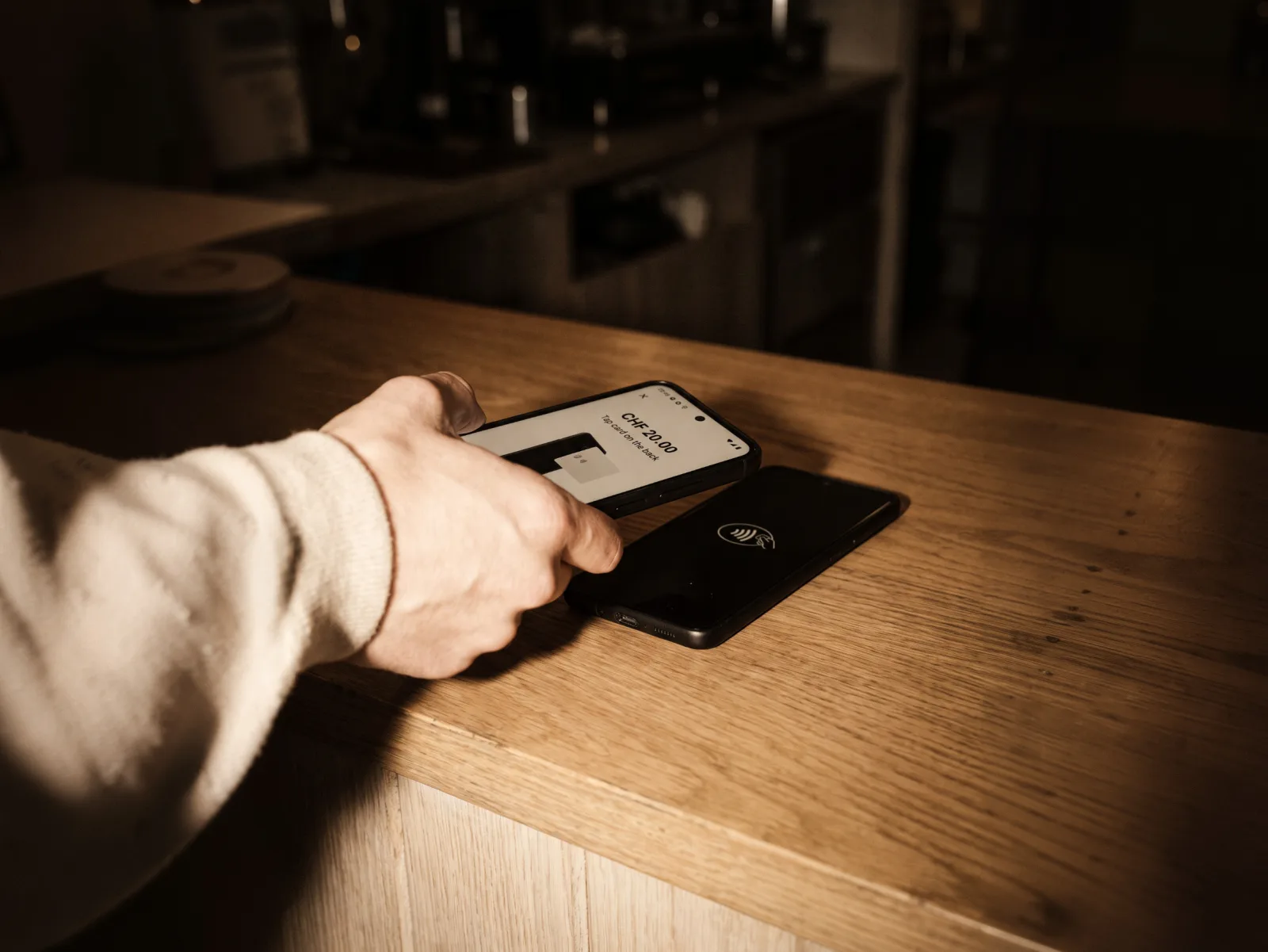
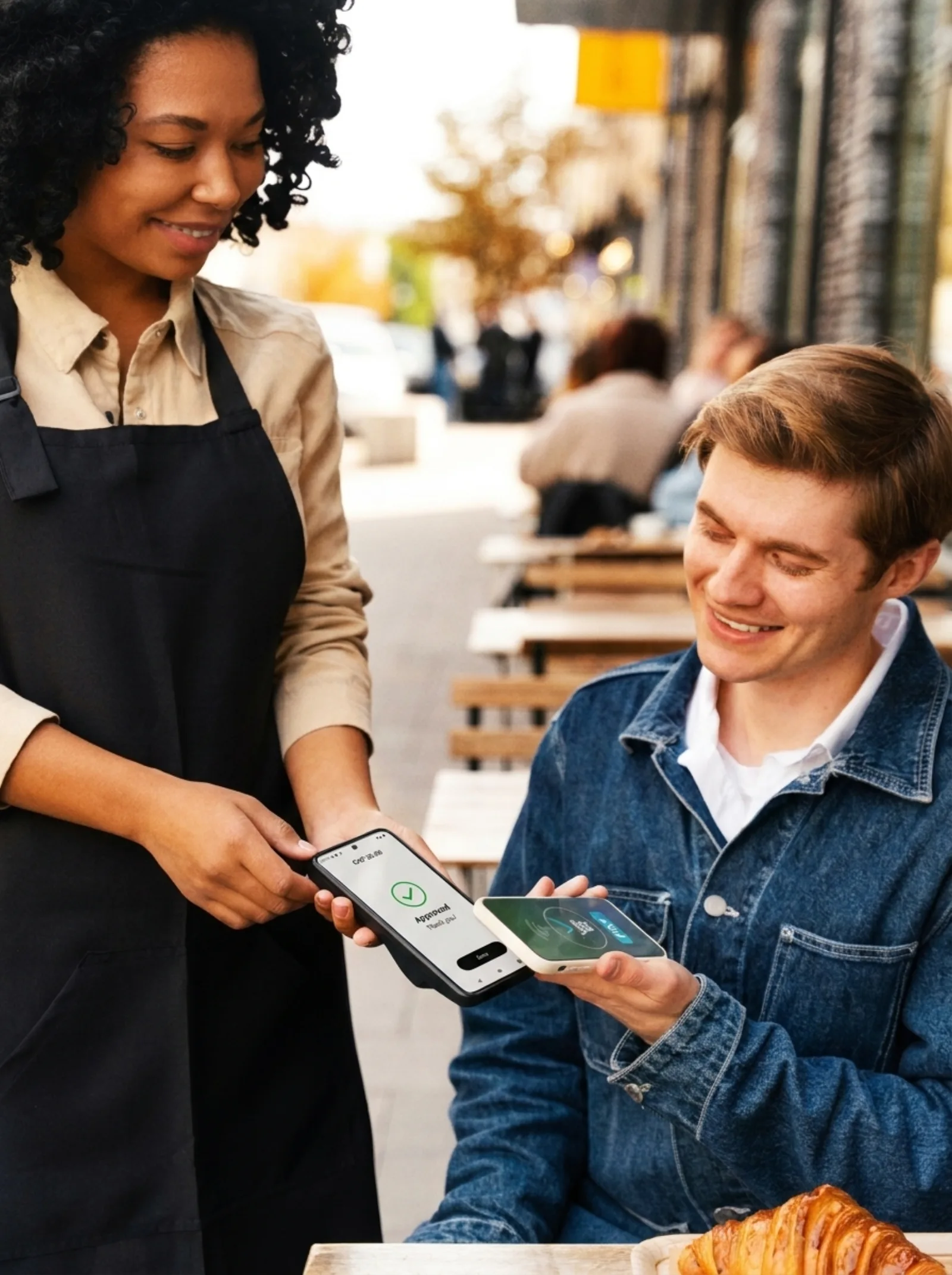
Turn your smartphone into a payment terminal with Sitto Tap On Mobile. Accept contactless card and digital wallet payments in your store or restaurant, at a customer’s location, or at events—without any additional hardware.

Kontaktlose Zahlung mit dem Smartphone über Sitto Tap on Mobile
Accept all major cards and digital wallets
  • Visa
  • Mastercard
  • Maestro
  • V Pay
  • TWINT
  • Apple Pay
  • Google Pay
  • Boncard
  • Lunch-Check
  • Visa
  • Mastercard
  • Maestro
  • V Pay
  • TWINT
  • Apple Pay
  • Google Pay
  • Boncard
  • Lunch-Check
  • Visa
  • Mastercard
  • Maestro
  • V Pay
  • TWINT
  • Apple Pay
  • Google Pay
  • Boncard
  • Lunch-Check
How it works

From Login to Payment in Five Simple Steps

Follow the steps below to accept contactless payments with Sitto Tap On Mobile.

Sign in

Log in to your Sitto account to get started.

Enter the amount

Use the keypad to enter the payment amount.

Confirm the amount

Check the total, then tap Pay to continue.

Tap to pay

Hold a contactless card, phone, or watch near the back of your phone.

Payment approved

See the confirmation, then tap Done to finish.

How to get started

Start Accepting Card
Payments in Three Steps

Get started with Sitto Tap On Mobile—from your first enquiry to your first contactless payment.

Contact Sitto

Send a no-obligation enquiry to begin the activation process for your business.

Set Up the App

Install the Sitto Tap On Mobile app on a compatible smartphone and complete your account setup.

Transaction fees

Clear Pricing for
Every Card Payment

Explore the starting transaction rates for Sitto Tap On Mobile.

Debit card payments

from
0.79% + CHF 0.16

per transaction

Credit card payments

from
0.99% + CHF 0.16

per transaction

Contact Sitto to confirm the rates and terms that apply to your business.

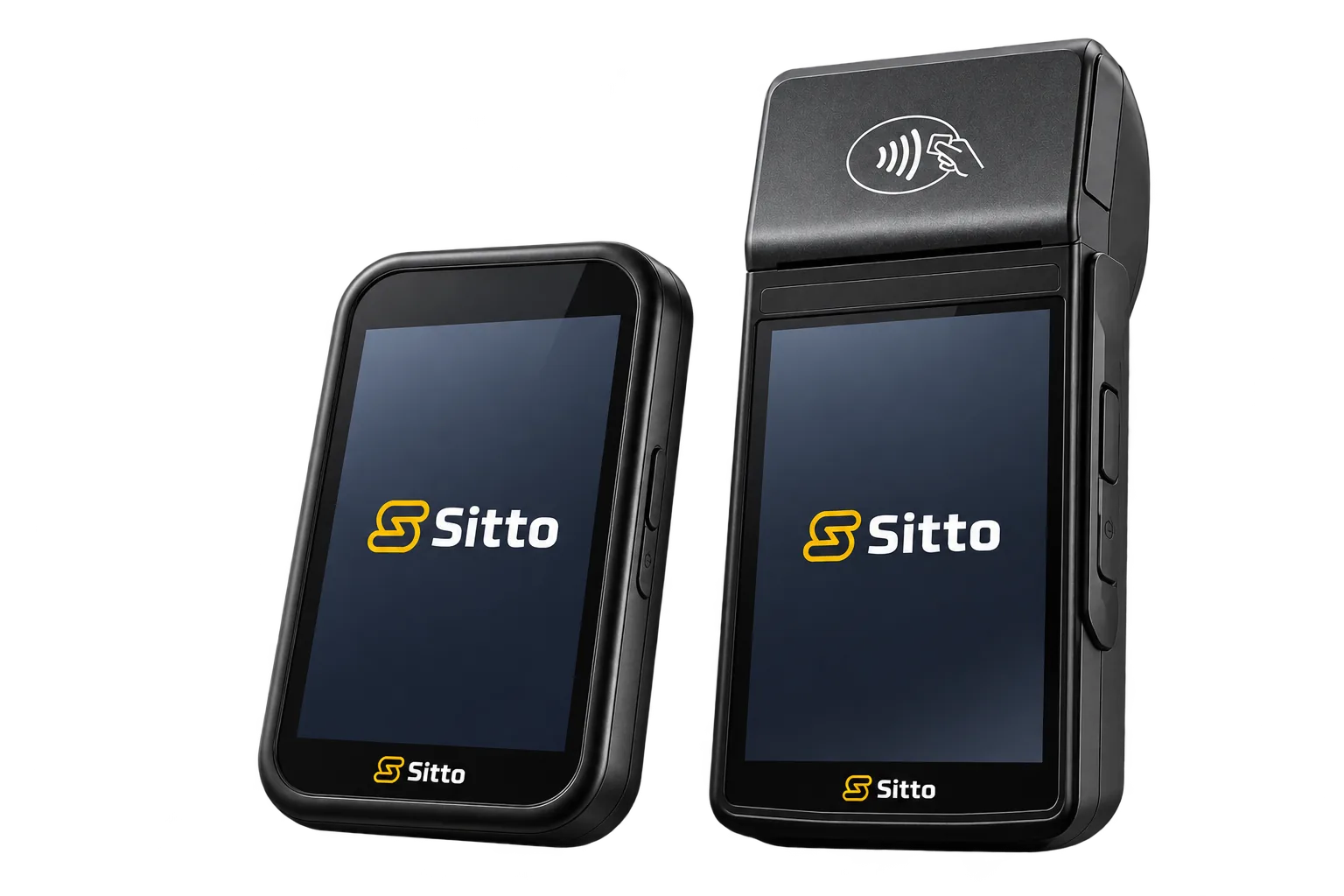
Sitto AMS1 and S1F2 payment terminals
Mitarbeitende nimmt eine kontaktlose Smartphone-Zahlung mit Sitto Tap on Mobile entgegen
Why choose Sitto Tap On Mobile

Your Smartphone. A More Flexible Way to Accept Payments.

Accept contactless payments wherever you serve your customers, without an additional payment terminal.

Explore by Industry

Tap On Mobile for Your Business

Accept contactless payments wherever you serve your customers—from restaurant tables and shop counters to deliveries and events. Explore how Sitto Tap On Mobile fits your business.

Request a free demo

Ready to Get Paid with Your Phone?

See how Sitto Tap On Mobile lets you accept contactless payments on a compatible smartphone. Request a free demo to discuss your setup, pricing, and activation.

We usually reply within one business day.

By submitting this form, you agree that Sitto Payments may store and process the personal information you provide to respond to your inquiry and deliver the requested information. If you opt in above, Sitto Payments may also contact you with company news, product updates, and other relevant content. Please review our Privacy Policy for more information.

Frequently Asked Questions

Got Questions? We’ve Got Answers!

Find quick answers or contact our support team.

Still have questions?

Our team is here Monday – Friday, 9am – 5pm at +41 43 505 22 25

1. What is Sitto Tap On Mobile?

Sitto Tap On Mobile turns a compatible smartphone into a payment terminal. It lets your business accept contactless card and digital wallet payments without a separate card reader or terminal.

2. What do I need to get started?

You need a compatible smartphone, the Sitto Tap On Mobile app, and an activated Sitto account. Contact Sitto to confirm your phone’s compatibility and begin activation, then install the app and complete your account setup.

3. Which payment methods can my customers use?

Customers can pay with supported contactless debit and credit cards or digital wallets on compatible smartphones and smartwatches. They hold their card or device near the back of your phone when the app is ready to accept payment.

4. How do I accept a payment with Sitto Tap On Mobile?

Sign in, enter the payment amount, check the total, and tap Pay. Ask your customer to hold their contactless card or device near the back of your phone. Wait for the Approved confirmation, then tap Done to finish.

5. How much does Sitto Tap On Mobile cost?

Debit card transaction rates start from 0.79% + CHF 0.16, and credit card rates start from 0.99% + CHF 0.16. No separate terminal rental is required. Contact Sitto to confirm the rates and terms that apply to your business.

6. How does Sitto Tap On Mobile protect payment data?

Sitto Tap On Mobile uses encrypted payment processing to help protect your customers’ payment data. Payments are processed through the app, and the transaction result appears on your smartphone.

7. Can I accept payments outside my shop or restaurant?

Yes. Sitto Tap On Mobile supports taking payments at customer locations, deliveries, markets, and events, as well as in shops and restaurants. Your compatible smartphone serves as the payment terminal, so you do not need to carry a separate card reader.
Cart (0 items)

Create your account